Postgres & PostGIS
Enable full featured and fully operational Postgres and PostGIS Service
Postgis database
Postgres & PostGIS database server
Beside all the mapping tools, LocusQ integrated with a full-fledged PostgreSQL database server with the widely used extension PostGIS. Around 70-75% of total spatial-related services use PostGIS for their database server. By running this service with conf.yml file will store the Open Street Maps (OSM) data automatically using osm2pgsql.This planet_osm databse will is the base of Map Engine and Vector Tiles API
For more documentation and endpoints go to Documentation of Postgres & PostGIS page.

See more documentation of Postgres and PostGIS
Stand-alone Postgres & PostGIS database server
LocusQ Master stack covers all the segments of web GIS such as maps, routing, direction, transit, geocoding and many more tools. Besides this, Postgres & PostGIS can be installed as a stand-alone service if anyone does not need few other services or only 2-3 services. Here are the steps
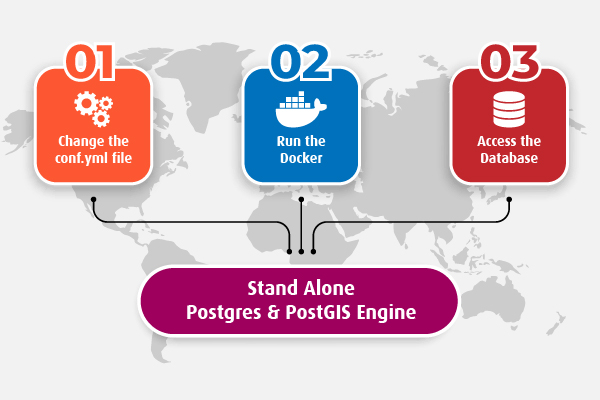
-
Change the
conf.ymlfileChange the configuration file according to your needs. Country-wise configuration code can be found here.
-
Run the standalone PostGIS Docker
Pull or run directly the Postgrs & PostGIS docker image keeping the
conf.ymlfile in the same directory from where the docker is runningdocker run -it --name postgres-postgis --network locusq -v $(pwd):/data -p 4701:5432 locusq/postgres-postgis:latest -
Use the database
Wait a few minutes and check the status of service readiness with the following command
docker exec -it postgres-postgis status
When the service is ready, connect the PostGIS server.